Printable kit · 9 worksheets
The 3D Print Farm Business & Print Quality Planner
- 9 fill-in worksheets, 31 print pages
- 2 filled-in examples to copy from
- Online buyer guide with budget ranges and Amazon links, grouped by the site's own bench tiers
30-day money-back guarantee. Every dollar back if it doesn't help.
Price every print at what it actually costs, fix the defect that is actually costing you plates, and know when the next printer earns its keep, using this site's own material data and calculators.
Replaces a price quoted from filament cost alone, a stringy or warped print re-run from a forum guess, and a new printer bought on enthusiasm instead of a utilization number.
Look inside
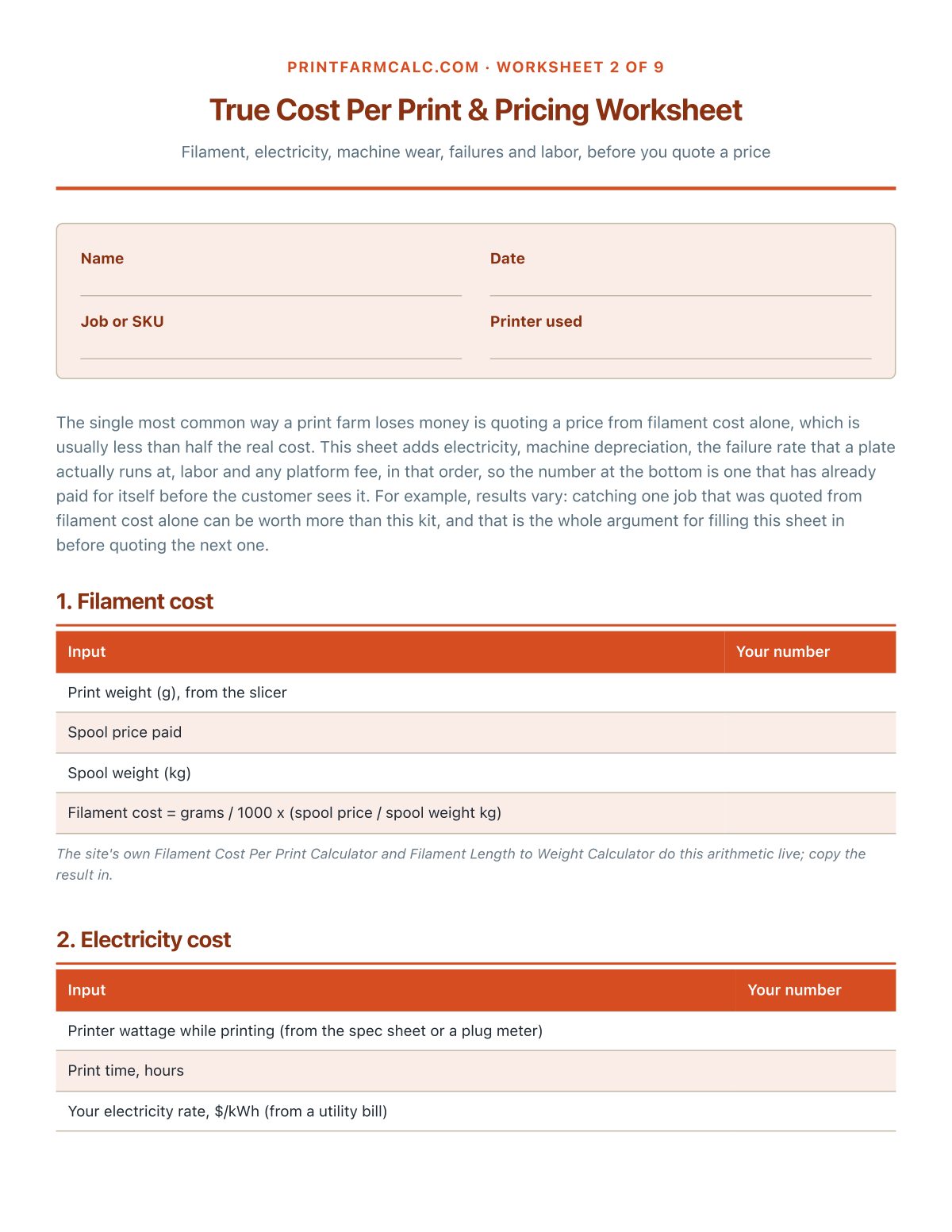
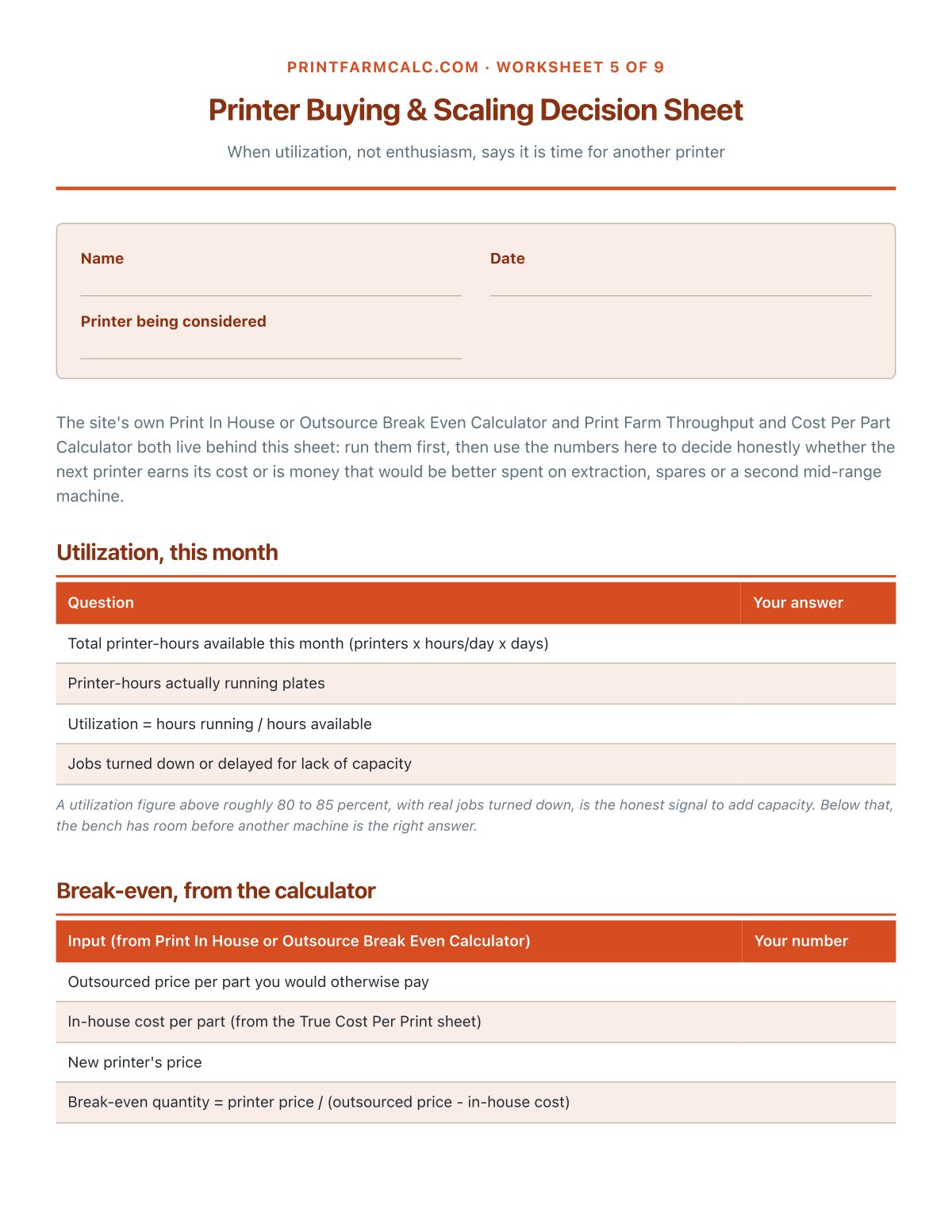
Real pages from the PDF downloaded after checkout, including both filled-in examples.
What's in it
See all 9 worksheet titles
- Farm At A Glance
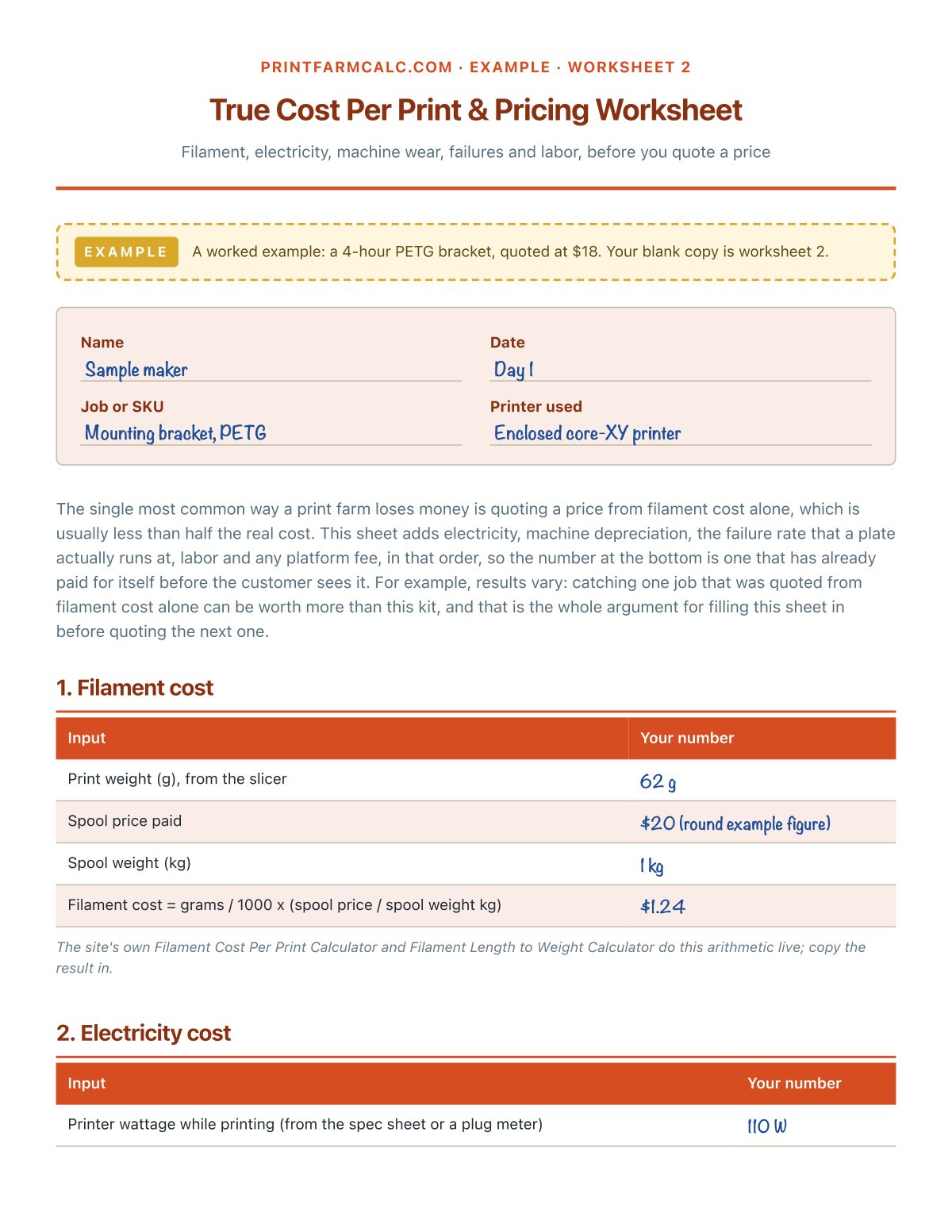
- True Cost Per Print & Pricing Worksheet
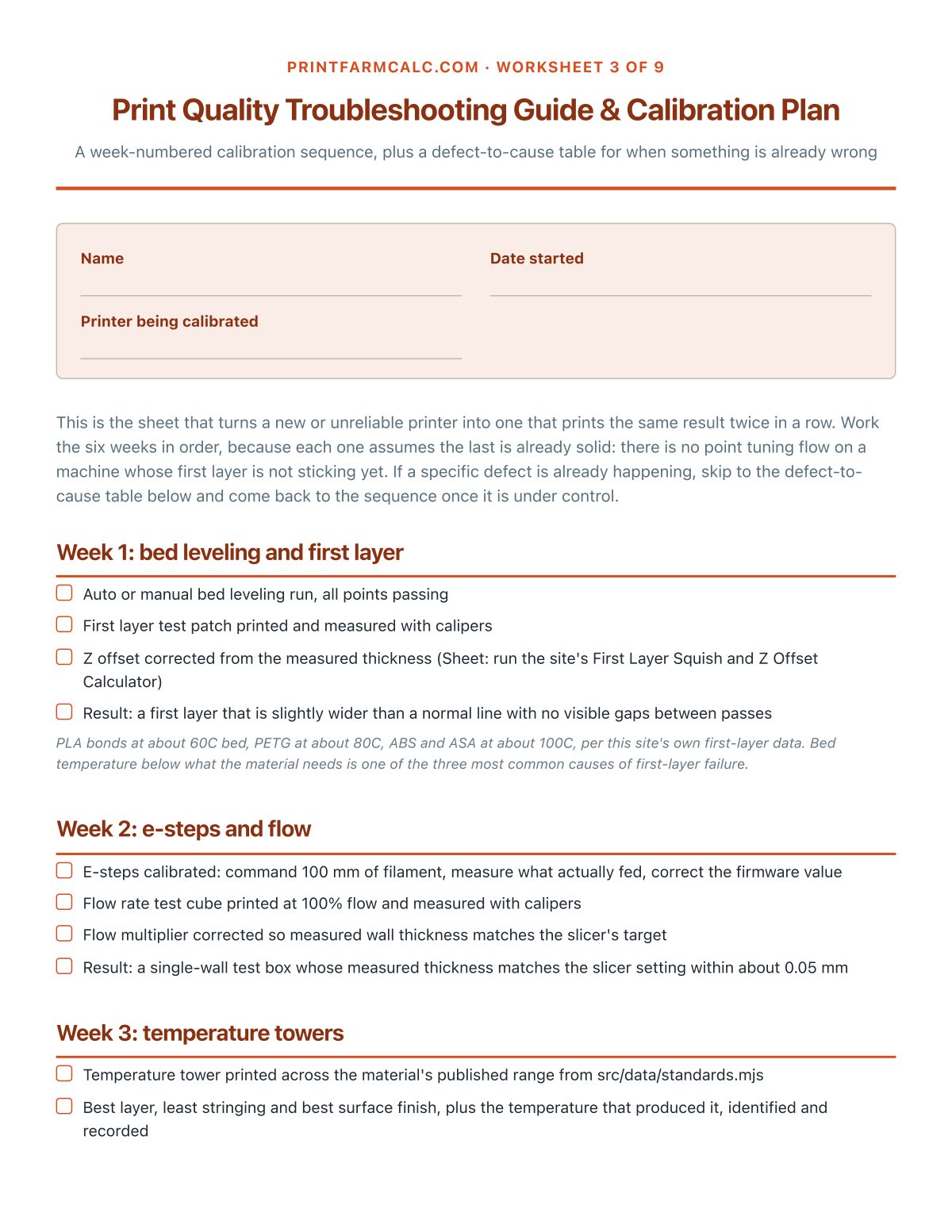
- Print Quality Troubleshooting Guide & Calibration Plan
- Filament & Materials Guide
- Printer Buying & Scaling Decision Sheet
- Maintenance Schedule & Log
- Order & Job Tracker
- Selling Checklist
- Budget & Payback Planner
Also included
- 2 filled-in example worksheets. True Cost Per Print & Pricing Worksheet and Print Quality Troubleshooting Guide & Calibration Plan, worked through for a sample print farm, so a finished page is visible before starting one.
- 1 bonus printable. Filament Temperature Quick-Reference Card: Nozzle and bed temperatures at a glance, from this site's own material data
- 1 companion spreadsheet. A reusable true-cost-per-print calculator that totals itself, a job tracker with a margin column, and the by-tier budget from worksheet 9 with real subtotals. Tabs: True Cost Per Print, Order & Job Tracker, Budget Planner by Tier.
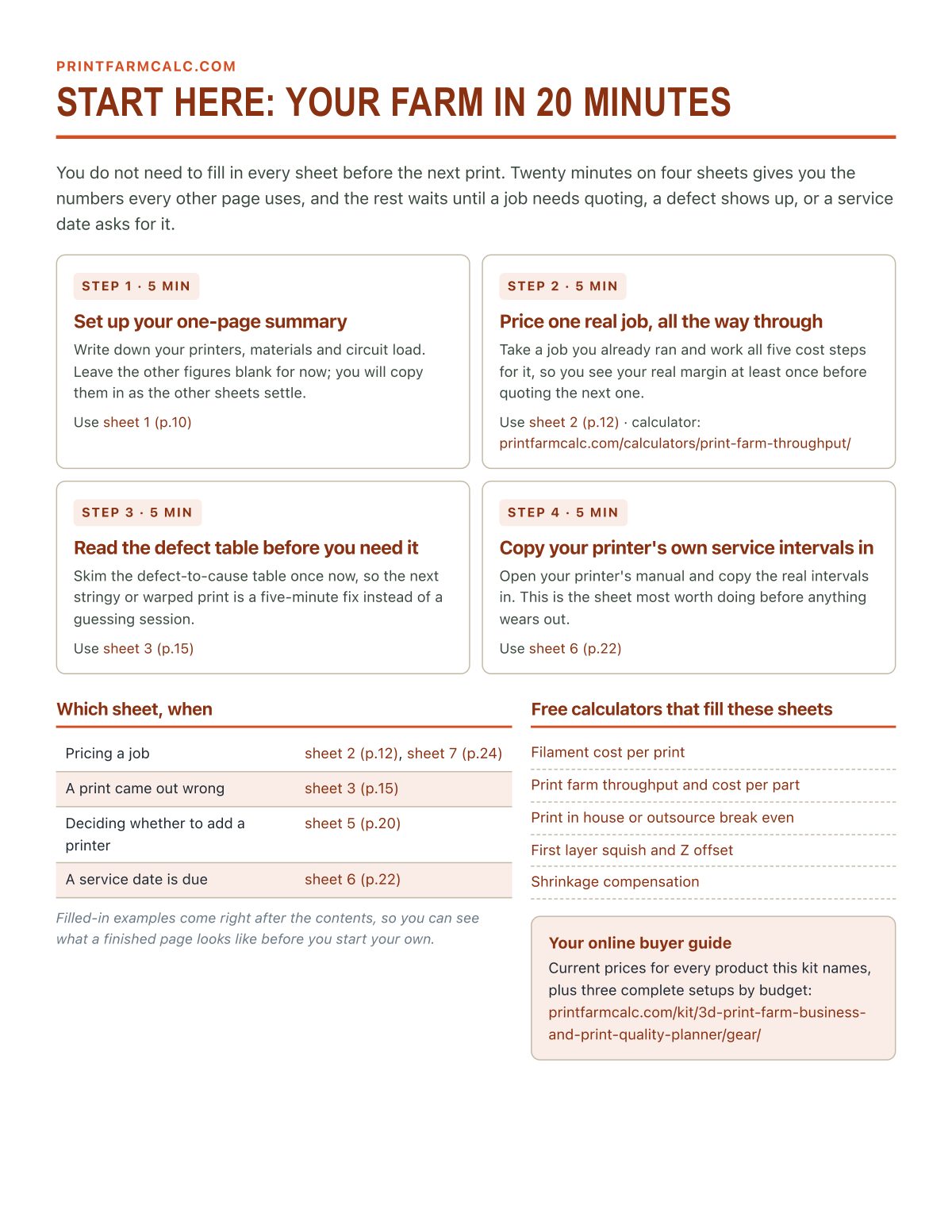
- 1 start-here page. The four sheets to fill in the first 20 minutes, and which sheet to reach for when.
Plus the online buyer guide
Every printer, filament and tool the kit names, grouped by need and bench tier, with budget ranges and Amazon links, kept current on this site.
Who it's for
- Anyone selling prints who has never worked out what a print actually costs beyond the filament
- Anyone whose prints string, warp, shift layers or under-extrude and wants the fastest correct fix, not a forum guess
- Anyone deciding whether the next printer is a good use of money or an enthusiasm purchase
- Anyone running more than one printer who wants nozzle, belt and lubrication service on a schedule instead of a surprise
Who made this
Built by the PrintFarmCalc team, the people behind the free calculators, settings tables and complete builds on this site, researched from manufacturer filament and hotend specifications. Researched, not a substitute for your own printer's manual or a qualified electrician for a multi-printer circuit.
30-day money-back guarantee
Use the whole kit. If it doesn't help, fill in the refund form within 30 days and you get every dollar back. No questions asked. Refund form.
Questions
How do I get it?
Pay on the secure Stripe checkout and you land straight on your download page: the full PDF, a ZIP of every sheet as its own printable page, and the companion spreadsheet. Bookmark that page to download again later.
Can I print it more than once?
Yes. Print as many copies as you need, one to keep at the bench. The order tracker and the maintenance log are made to be reprinted whenever a fresh page is useful.
What if it is not what I expected?
Use the whole kit. If it does not help, fill in the refund form within 30 days and you get every dollar back. No questions asked.
Does this kit really pay for itself?
For example, results vary: catching one job that was about to be quoted from filament cost alone, or one failed plate avoided by working through the calibration plan, is a common way it pays for itself once. That is not a guaranteed outcome, and the Kit Payback Tracker sheet is where you write the specific catch down when it happens.
Does this replace the free calculators and guides on the site?
No, it works with them. A calculator answers one number and forgets it. The kit keeps your own printers, your own jobs, your own service dates and your own true costs together on paper, and points at the online buyer guide for current prices.
Is this only for a multi-printer farm, or does it work for one printer?
It works for one printer. The calibration plan, the true cost worksheet and the maintenance log are useful from the first printer; the scaling sheet and the utilization math become relevant once you are deciding whether to add a second machine.
The 3D Print Farm Business & Print Quality Planner
9 worksheets · 31 pages · examples, workbook and online buyer guide